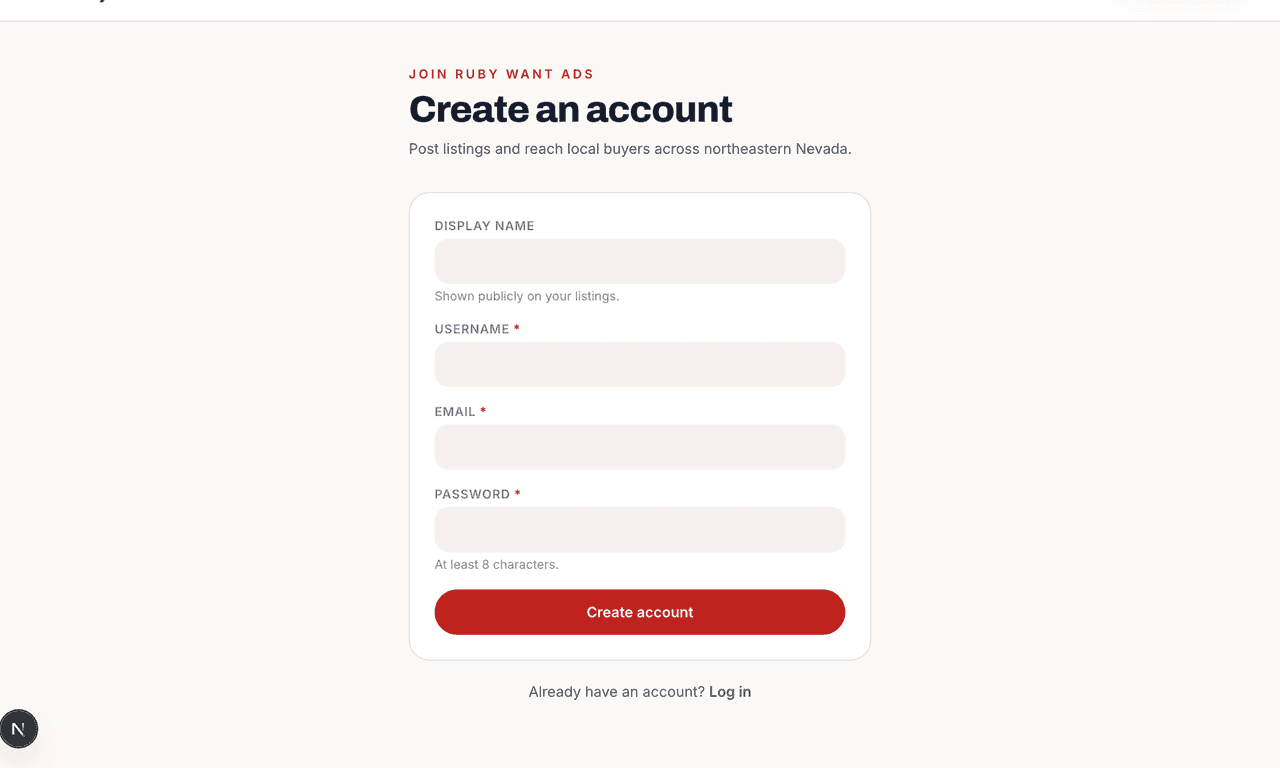
Create an account
Click Register from any page. We only need a username, email, and password — your address never appears on listings.
Register now →
Help center
Short, click-through guides for everything Ruby Want Ads. If you can't find an answer here, our team is one tap away.
Step 1
Browsing is free and open to everyone. Posting an ad just needs a free account so we can confirm you’re a real person from the area.
Click Register from any page. We only need a username, email, and password — your address never appears on listings.
Register now →Open the verification link we email you, then come back to log in. Check your spam folder if you don’t see it.
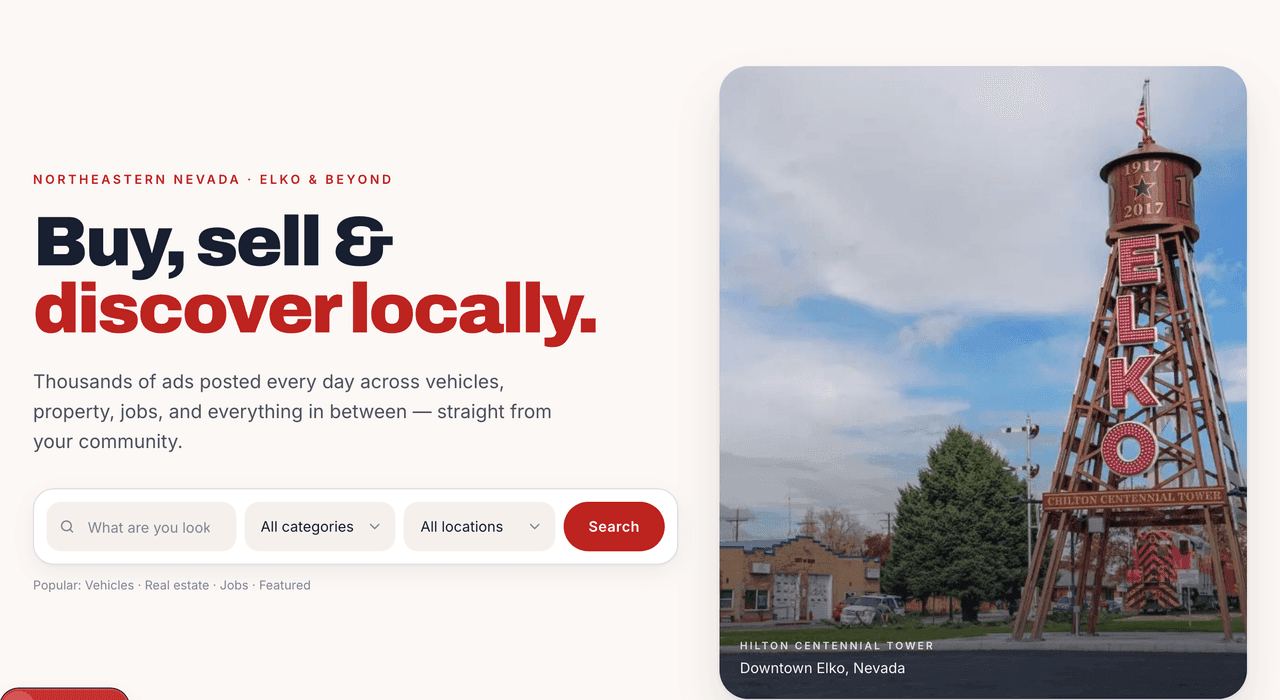
Land on the home page, search for what you need, or pick a category. Your avatar in the top-right opens a menu with your listings, messages, favorites, and settings.
Open my account →Step 2
Listings with a clear title, a couple of photos, and a real description sell the fastest. The whole flow takes about a minute.

It’s in the top-right of every page on desktop, and inside the menu on mobile.
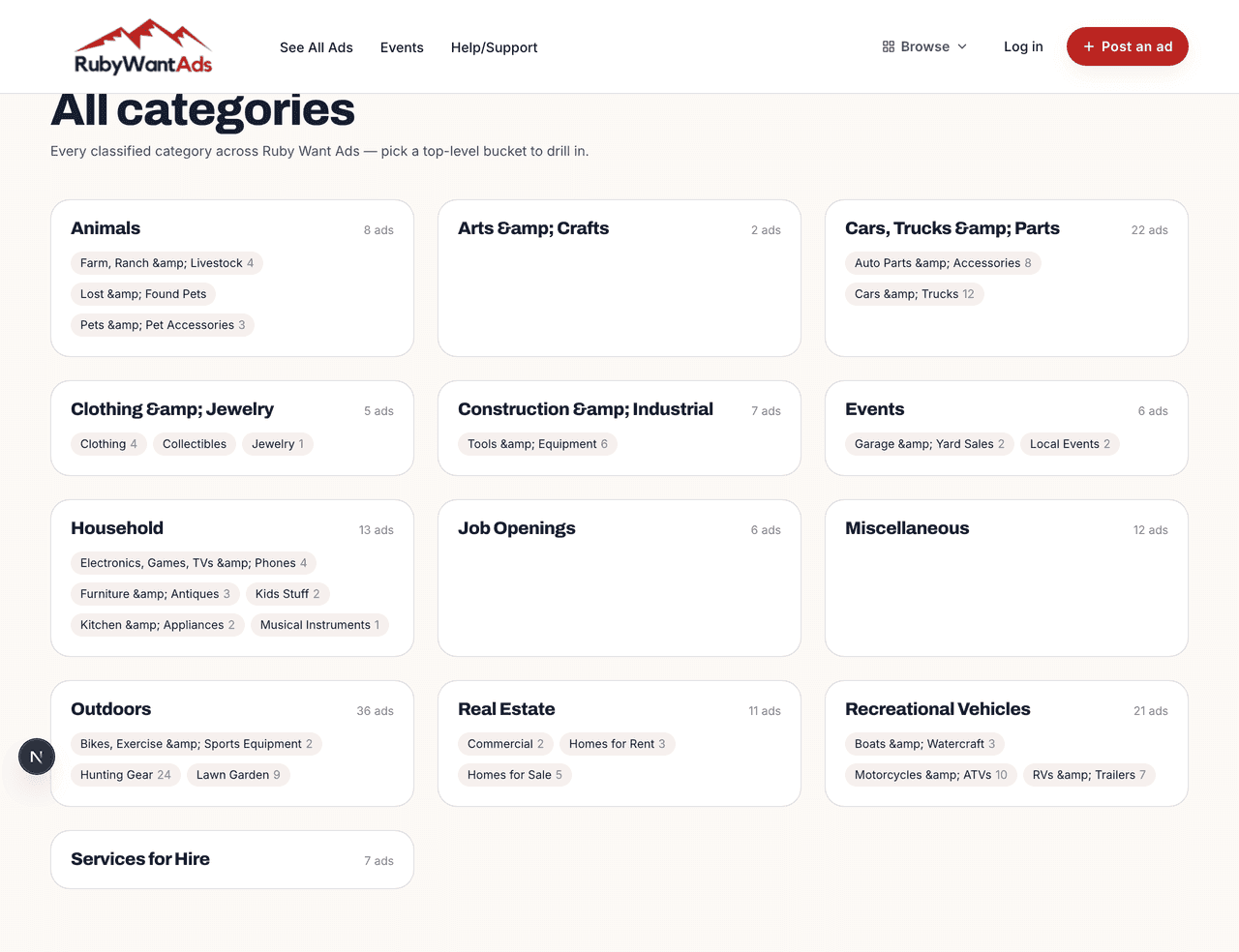
Choose the closest category — sub-categories help buyers find you. One ad per category; if your item could fit two, post twice.
Lead with the make/model/condition. Include details a buyer would ask: size, mileage, year, included extras.
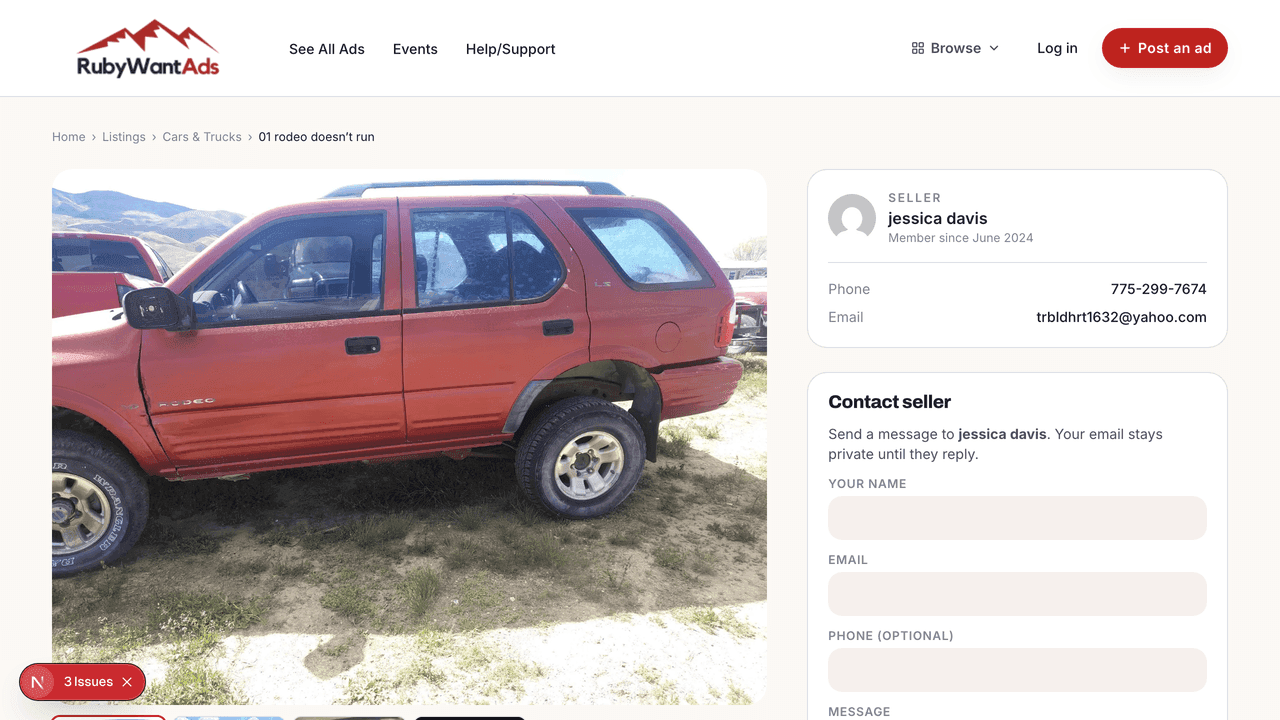
Once approved, your ad looks like this — title, gallery, price, and a Contact Seller form buyers can use without ever seeing your email. It sits in My Listings under Pending while it waits for review.
Post an ad now →Tip
Items with photos sell faster — but most phone photos are way bigger than they need to be.
Natural light and a clean wall or floor reads as trustworthy. Avoid dark, blurry phone shots.
Front, back, any wear or damage. Buyers won’t ask questions if they can already see the answer.
We accept JPEG, PNG, WebP, or GIF up to 8MB each, 8 images per listing. Most newer phone photos are 6–10MB straight out of the camera — use your phone’s built-in resize before uploading.
Account
Everything you’ve posted lives in My Account, sorted by status.
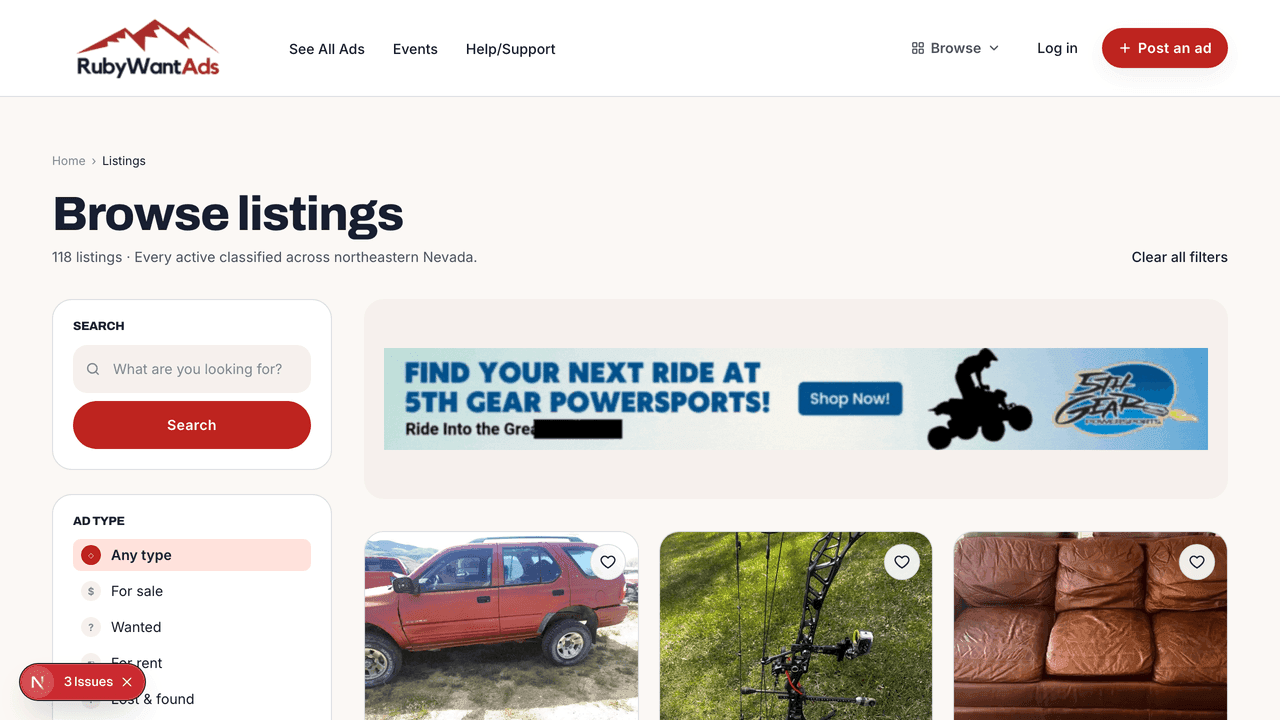
Your ad shows up alongside others in the listings grid with its title, cover photo, price, and type badge. The Live tab in My Listings surfaces the ones currently visible.
My listings →Profile holds your phone, WhatsApp, and website. Whatever you save here appears on the Contact panel of your listings.
Edit profile →Choose what we email you about — buyer inquiries, status changes, expiry reminders.
Notifications →Stay safe
A few habits that keep classified buying and selling smooth.
A coffee shop, a bank lobby, or a busy parking lot is safer than a home. Go in daylight and bring a friend.
Avoid checks from people you don’t know. If you accept one, wait for it to clear before handing the item over.
Use the Contact Seller form first. Buyers can’t see your phone unless you put it in your profile.
If a price seems too good or a buyer is rushing you, pause. Real buyers are happy to wait a day.
Still stuck?
We're a small Elko team. Email us or call during business hours — happy to walk you through anything.